WWTT icon WWTT
WWTT icon

Where Went The Time?

A passive macOS time tracker that captures itself. Screenshots, OCR, call recording, transcription — all on your Mac.

v1.5.0 · 134 MB · macOS 14 Sonoma or later · Apple Silicon recommended

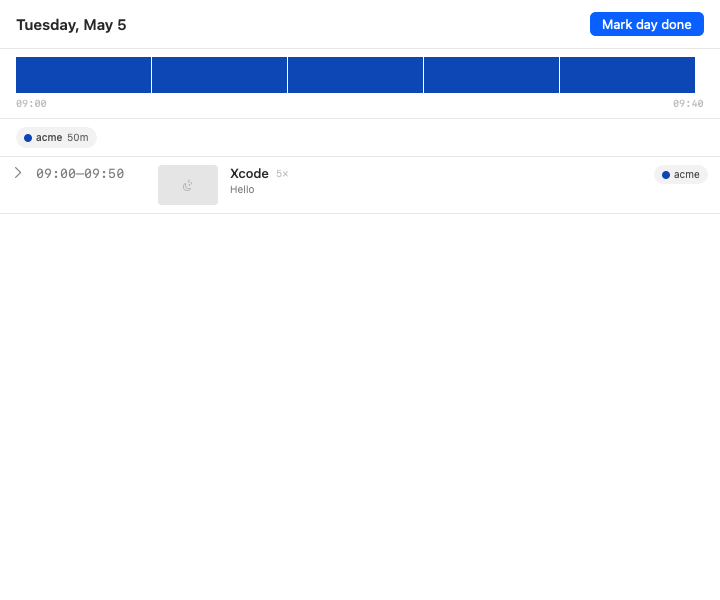
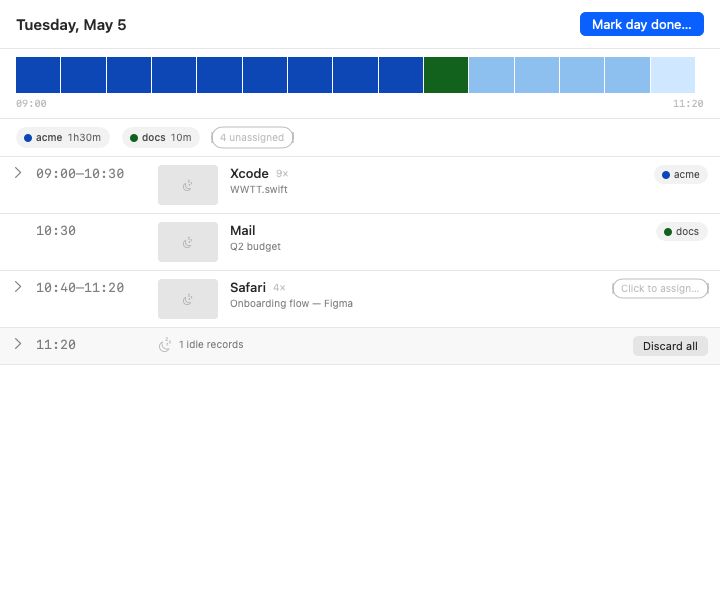
Review — Tuesday, May 5
WWTT review window with project assignments and timeline

What it does

Stop entering hours. Stop forgetting what you worked on. WWTT watches what you do and helps you label it at the end of the day.

Passive capture every 10 minutes

Screenshot of your active display, the frontmost window's title, the URL of your active browser tab, the subject of your selected mail. Zero typing required.

🔍

On-device OCR

Apple Vision reads the text in every screenshot. Search, summarize, never lose track of what was on your screen at 14:20 last Tuesday.

📞

Call recording & transcription

Detects Zoom, Teams, Google Meet, Slack huddles, WhatsApp, and FaceTime. One click records both sides; whisper.cpp transcribes locally — German and English.

🗂

Smart end-of-day review

Daily reminder opens an inbox of captured records, intelligently batched by app and topic. Click a project to assign — or skip the day, your records keep building.

📊

Weekly summary & CSV export

See where the week went at a glance. Export totals to your invoicing tool. Day-strip visualization shows your time as colored blocks.

🔒

100% local. No cloud. Ever.

SQLite on your Mac. No accounts. No telemetry. No background network calls. The app uses Apple's hardened runtime and is sandbox-ready.

How it works

Three ingredients. No more.

Capture

Every 10 minutes WWTT silently records your active app, window title, browser URL, mail subject, and a screenshot. Calls trigger separate audio recording with one menu-bar click.

Process

Vision OCRs each screenshot. whisper.cpp transcribes each call. Everything runs on your CPU, no network roundtrips, no leaks.

Review

End-of-day notification opens a smart inbox. Records are batched, calls absorb the screenshots taken during them. Click a project to label, or hit "Mark day done" and move on.

🔐

Your data never leaves your Mac.

WWTT has no servers, no accounts, no telemetry. Network access is disabled at the entitlement level. Models for transcription are downloaded once from Hugging Face on your explicit request — after that, everything runs offline. The SQLite database, screenshots, audio, and transcripts all live in ~/Library/Application Support/WWTT/, which only your user account can read.

System requirements

macOS14.0 (Sonoma) or later
ArchitectureApple Silicon recommended (Intel works but transcription is slower)
Disk~500 MB for the app + ~50 MB/day of records (configurable retention)
PermissionsScreen Recording, Accessibility, Microphone (only if you record calls)